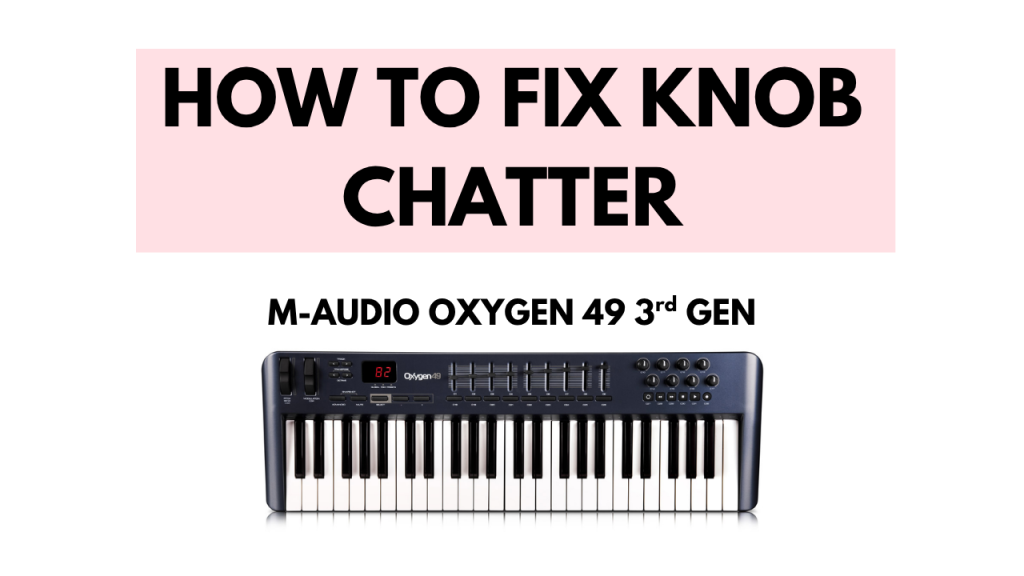
In this short tutorial you’ll find out how I managed to fix my trusty M-AUDIO OXYGEN 49 3rd GEN MIDI Keyboard.
The Problem
When the C10 through to C17 knobs were twisted, they started to malfunction triggering new MIDI data on their own in the form of chatter. It was as if something was touching them and moving them around. This made the MIDI keyboard almost unusable inside the DAW for button assignments because the knobs with the chatter would get assigned if you tried to use the “Link to controller” option in FL Studio. So I started searching for solutions for this issue.
Prerequisites
This is what you will need to get this done:
- Philipps (+) screwdriver (you already have one probably)
- matching potentiometers 10K Ohm (important!)
- soldering iron (this one is wireless and can be used with a powerbank)
- solder suction
- solder
- flux (optional)
- tweezers
The Solution
The solution is quite simple, but you need some gear to get this done. Look at the list from above and source what you don’t have or get a friend to do this for you. The most important piece of this puzzle are the matching potentiometers. Mine were 10K Ohm. Open your keyboard and look carefully at the pots you have on your knobs and make sure they match the ones from the link. Or look for some that look like them if the link goes bad.
From here, use the philipps head screwdriver to open up the keyboard, take down the knobs PCB that is also held in place by a few silver screws and you can start desoldering your faulty knobs. Use the solder suction to get the solder out and then the potentiometer. Put the new one in, put everything back together and you’re all done.
I hope you found this useful, and let us know in the comments if it worked for you!