 Medianopol.com - Blog
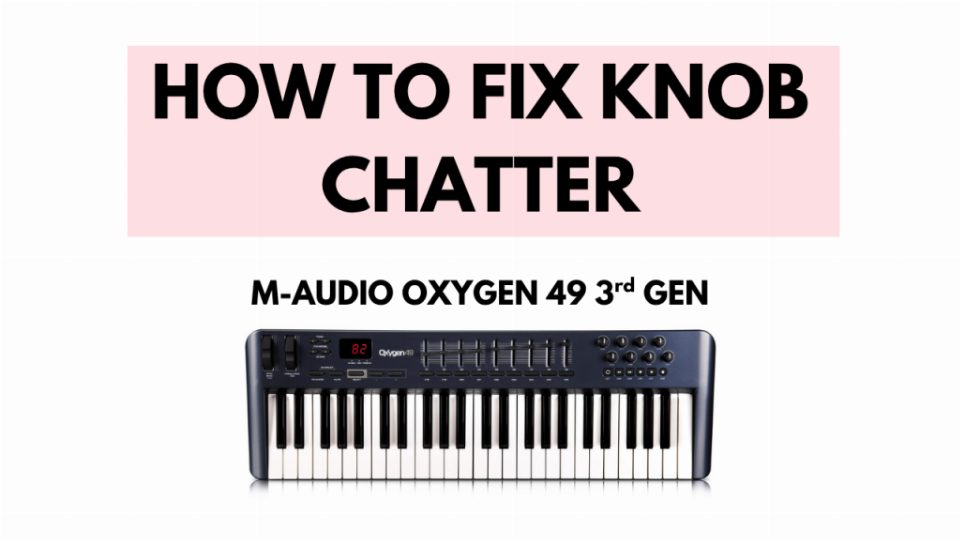
How to fix Knob Chatter on M-AUDIO OXYGEN 49 3rd GEN
Fix for M-Audio Oxygen's frequent problem
The Problem
When the C10 through to C17 knobs were twisted, they started to malfunction triggering new MIDI data on their own in the form of chatter. This prevented proper controller linking in DAW software like FL Studio.
Prerequisites
To repair the device, you will need:
- Phillips head screwdriver
- Replacement 10K Ohm potentiometers (matching the originals)
- Soldering iron
- Solder suction tool
- Solder
- Flux (optional)
- Tweezers
The Solution
The fix involves replacing the faulty potentiometers. First, identify the exact specifications of your keyboard's pots to ensure proper replacement. Then:
- Use the screwdriver to open the keyboard casing
- Locate and remove the knobs PCB (secured with silver screws)
- Desolder the defective potentiometers using the solder suction
- Install the new matching potentiometers
- Reassemble the device
This requires soldering skills and access to appropriate tools. If you are unfamiliar with electronics repair, seek assistance from someone experienced in the field.
0 Comments
No comments yet. Be the first to comment!
Leave a comment
← Go back to main page